
A voice assistant that
actually lives in
your home.
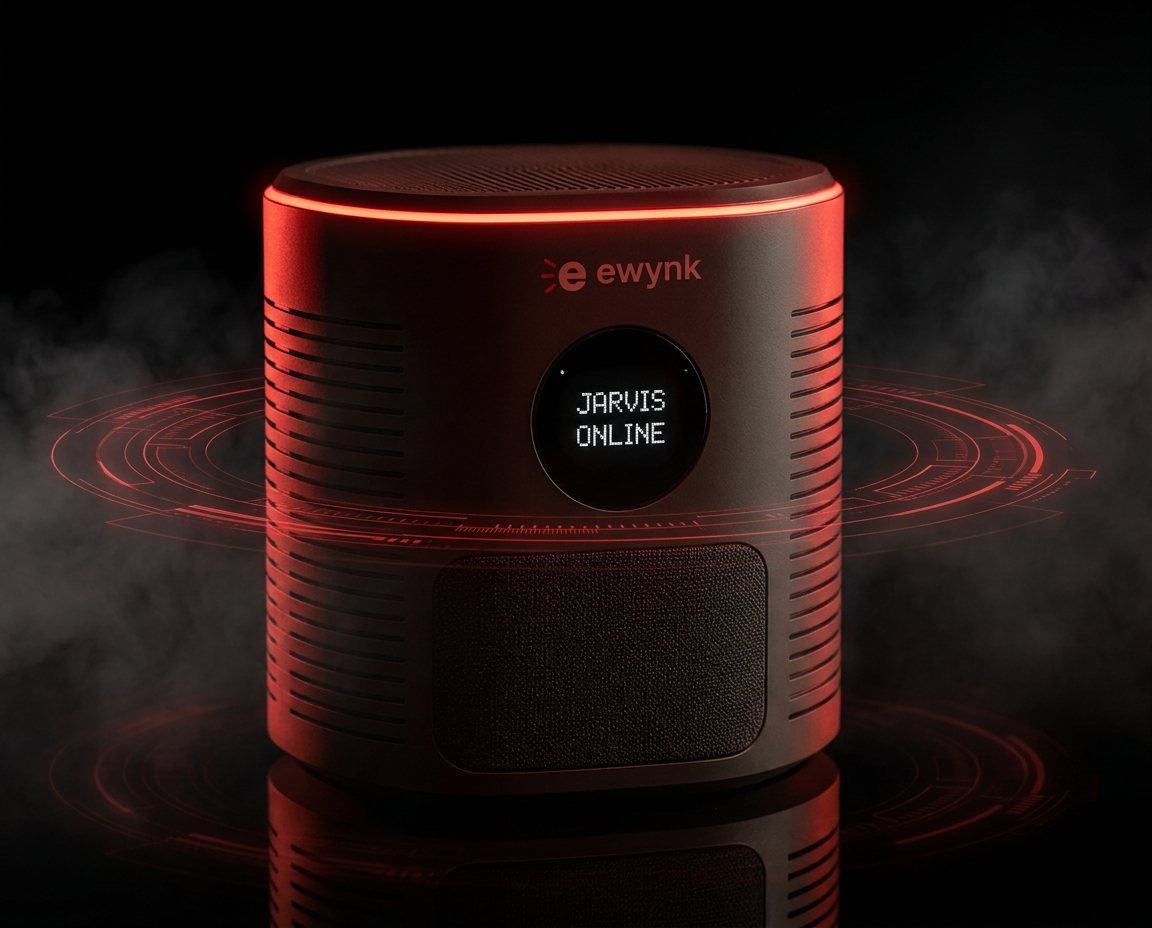
Jarvis sits on a shelf and runs all day. It hears you, answers in English, Hindi or Hinglish, switches your lights, plays your music, reads your mail, and watches the door. Your recordings, your contacts and your keys stay on the box.
Assembled, set up and tested before it ships. Built one at a time, in small batches.
Every skill is free
The whole library is yours to install, add to, or take apart. No subscription, no account, nothing locked behind a plan.
Browse 13 skillsJoin the waitlist
We'll tell you the exact price and when the next batch is ready. No payment now, and we don't pass your details on.
Just say it
You talk. Things happen.
No wake word, no app to open, no menus. Say it the way you'd say it to a person, in English, Hindi, or both in the same sentence.
It remembers
Yesterday still counts.
Most assistants forget you the second you stop talking. This one keeps what matters: what you told it, what you were worried about, what you asked it to watch, and brings it up when it's useful. You never have to repeat yourself.
It picks that up from ordinary conversation. You don't file anything or press a button.
One box, three personalities
Meet Jarvis, Q and E
Say a name and that's who answers. Same memory, same skills, three different temperaments, because the voice you want reading your calendar isn't the one you want at eleven at night.
Here's each of them answering the same evening. Press play.
Jarvis
The assistantStraight to it. Tells you what is done and what still needs you, and nothing else.
“Good evening. The wall light is on, your nine-fifteen is still in the calendar, and there are two unread emails. Nothing needs you right now.”
Q
The companionTalks like a friend, in Hinglish, and follows up on what you told her yesterday.
“Arre, aa gaye aap! Sab set hai, light on kar di, aur woh presentation wali baat, woh kaisi gayi? Main pooch rahi thi.”
E
The steady oneNotices how the day has gone and says the thing a level head would say.
“You've been at this since morning. The light's on and the reminder is set for nine. Take the break. It'll still be here.”
Real recordings from the assistant's own voices, not actors. Jarvis and E share a voice deliberately. What separates them is how they think, not how they sound.
Every morning
The first thing
you hear.
One short brief, spoken when you're actually up and in the room, not pushed to a phone at six while you're asleep. The weather, what's on today, what's in your inbox, anything you asked it to remember, and a headline. Then it stops.
Pick a language and a voice, and hear a real one.
Live loop
Local first.
Millisecond fast.
Switching a light or a fan never leaves the room. It's decided on the box itself, so it happens the instant you finish the sentence, and it still works if your internet is out.
Plugs into what you already use
Your accounts, your devices
Gmail
Hear what's unread without opening your inbox. Grouped and summarised out loud, read-only, nothing sent on your behalf.
YouTube Music
Play by song, artist or mood. Recently played tracks are cached on the box, so a vague request starts instantly, even offline.
Google Calendar
Ask what's on today, book something from a spoken time, or move an event without opening a screen.
Your lights, your fan, your plugs
Control the room
without getting up.
Anything on a wall socket, whether that's lights, fans, a geyser or a kettle, can be switched by voice, or from your phone. Same switches, two ways to reach them.
You give each one a name in plain words. Call it "bedroom light" and that's what you say. Change the name later and the words change with it, instantly.
It's a small controller behind the switch. We tell you exactly what to buy and exactly which wire goes where, and the setup screen walks you through it.
Living with it
The things you notice after a week
It knows who is home
It learns your voice and your face. It greets you by name when you walk in, and it knows the difference between you and a guest. If someone it does not recognise is at the door, you hear about it.
It waits for you
Set a reminder for 6pm and walk out at 5:45. It holds on to it and tells you when you are actually back, instead of announcing it to an empty house.
It keeps working when the wifi does not
Lights, fan and music never needed the internet. And if the line drops mid-conversation, a smaller brain on the box picks up so it keeps talking to you.
It knows when it got you wrong
Say "that was wrong" and it writes down exactly what just happened. Overnight it reads through the day, works out what went wrong, and writes up the fix for you to approve.
It stays out of your conversations
It works out whether you were talking to it or to someone else in the room, and stays quiet when you were not. Ask it to stop listening and it does, then turns itself back on later.
Nothing goes to us
There is no account. Your recordings, your contacts and your keys sit on the box in your house. We run no server that holds any of it.
Skill library
Skills
Each one is a download you install from your own dashboard. Some need a small piece of hardware; most don't.
Household Switches
homeSwitch real lights, fans and plugs by voice
Side Lamp
homeAn LED lamp that shows what Jarvis is doing
Vision
homeAsk what the camera can see
Wall Light
homeAddressable LED strips that react to your music
Calendar
productivityYour day, read out to you
Daily Briefing
productivityA spoken morning brief
One screen for all of it
There's a dashboard,
and it's yours.
Open it from any browser in the house. Every part of Jarvis has a page, from the switches on your wall to the model doing the thinking. Click through and see what you actually get.
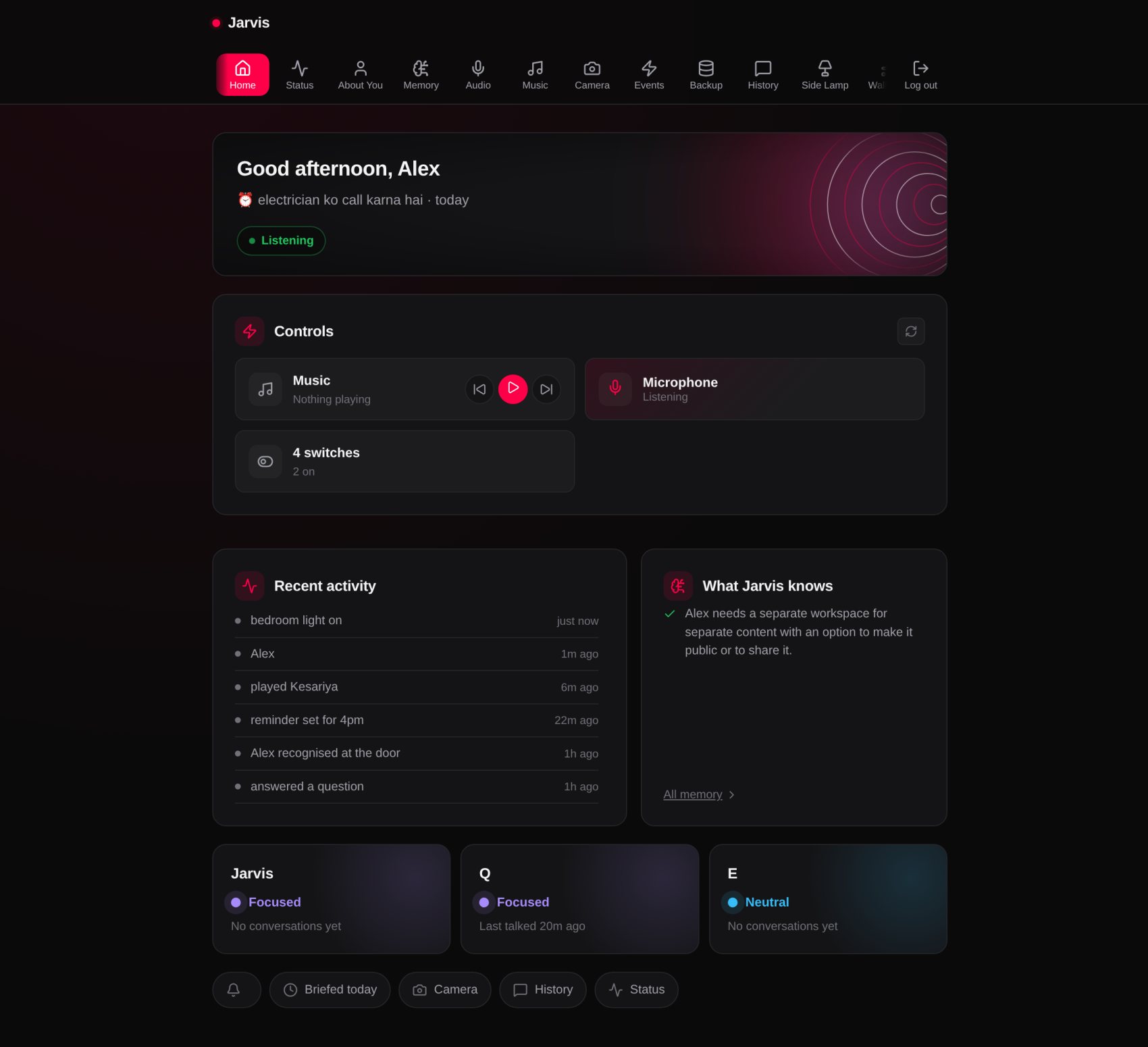
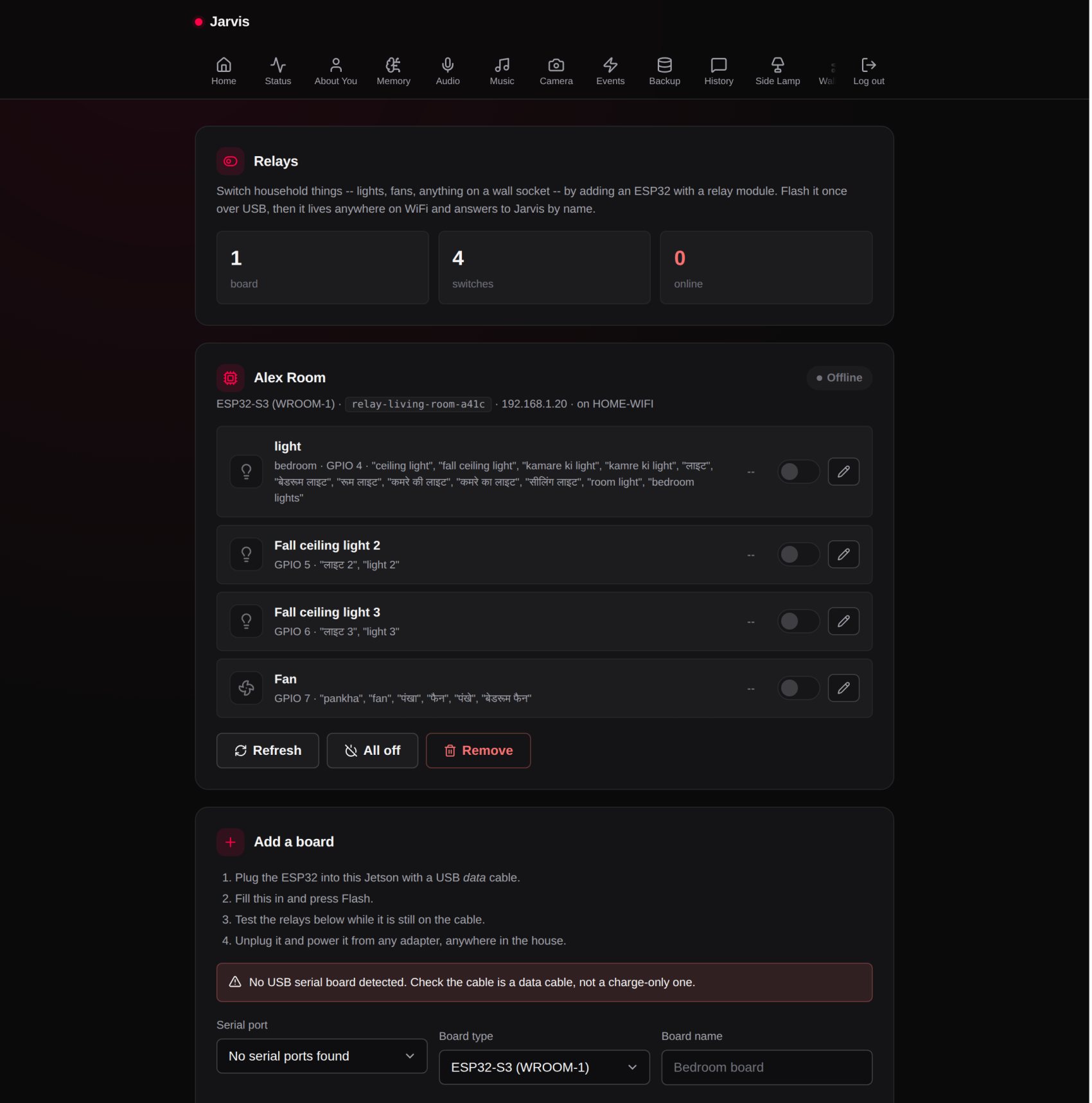
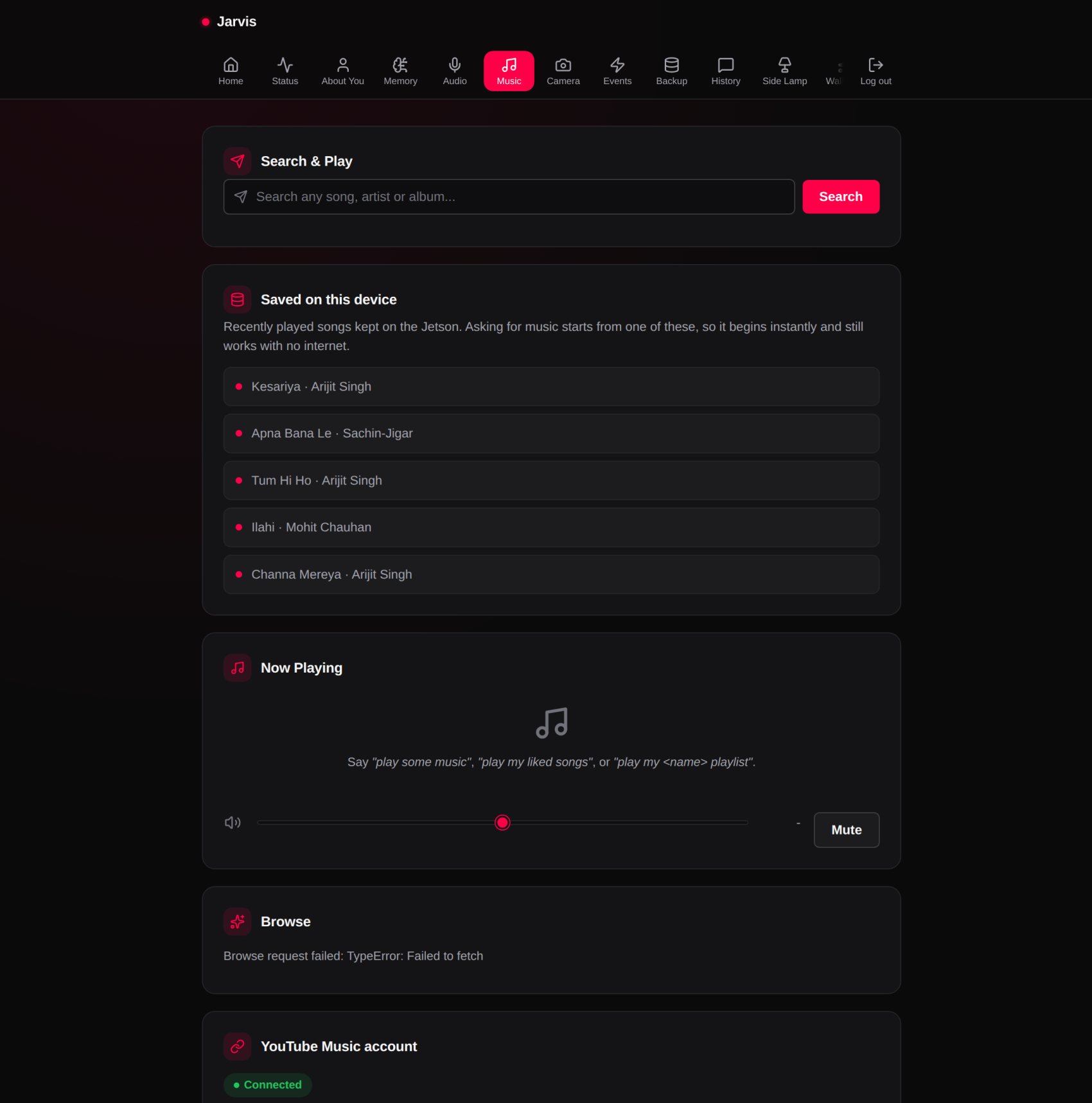
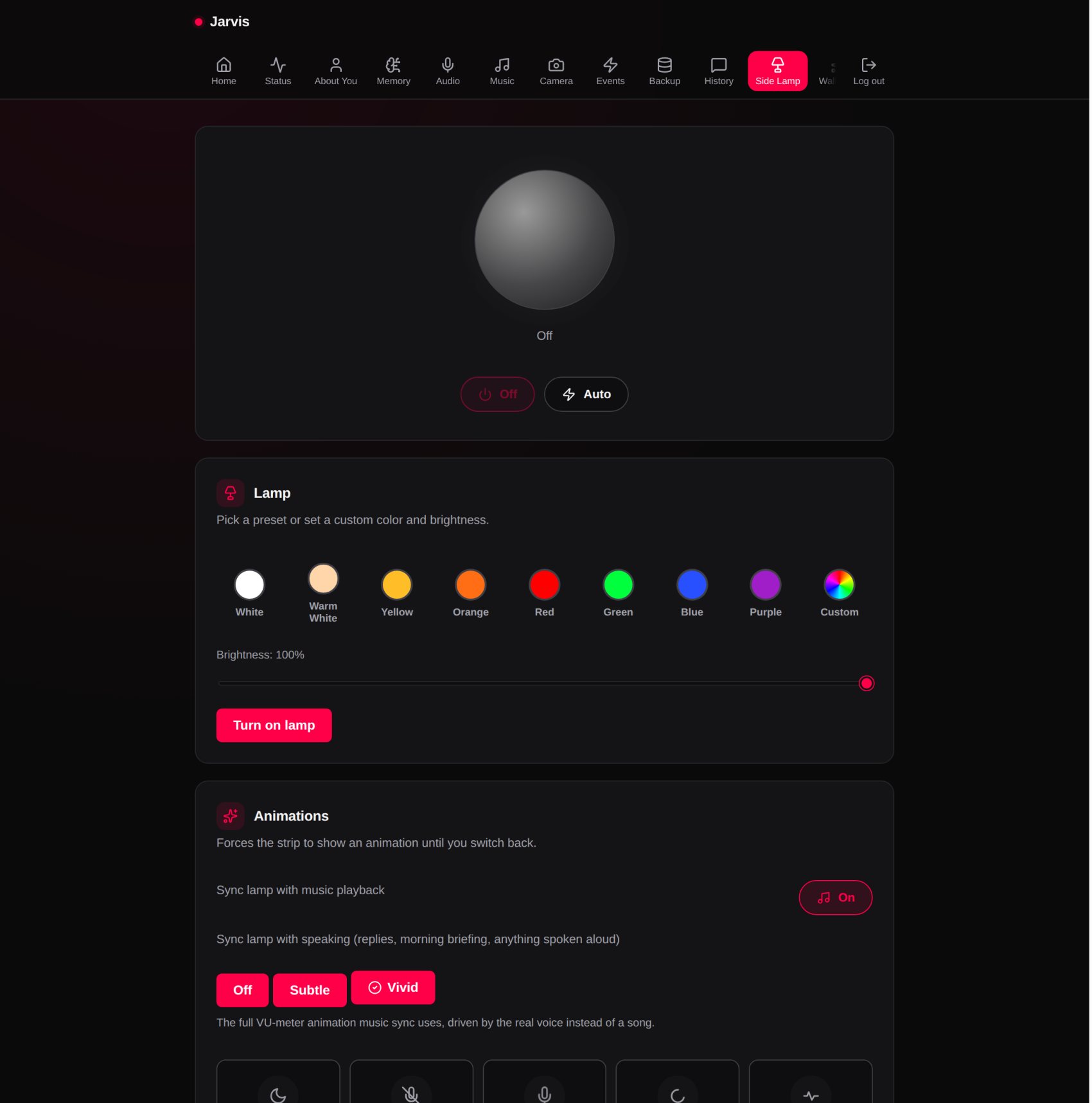
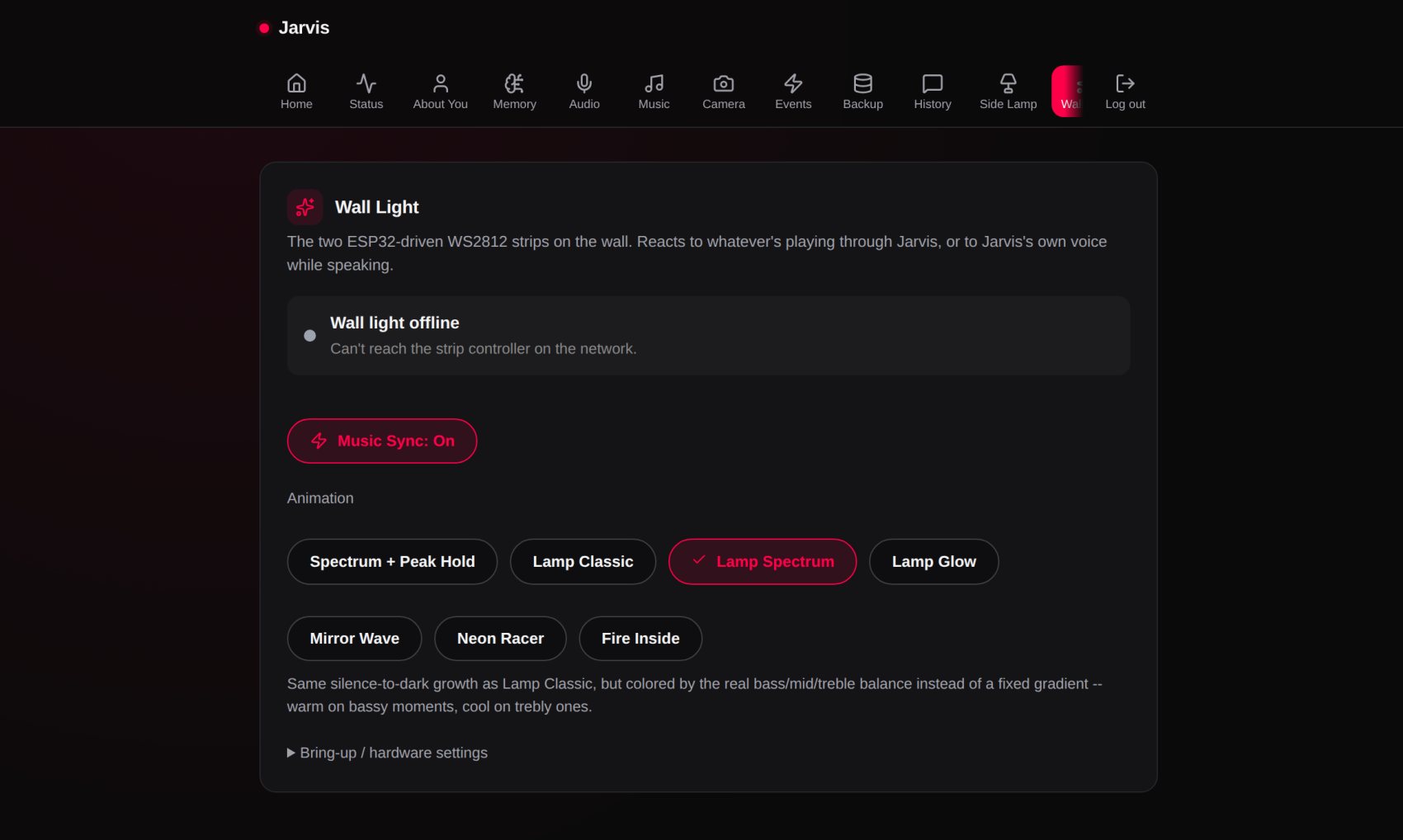
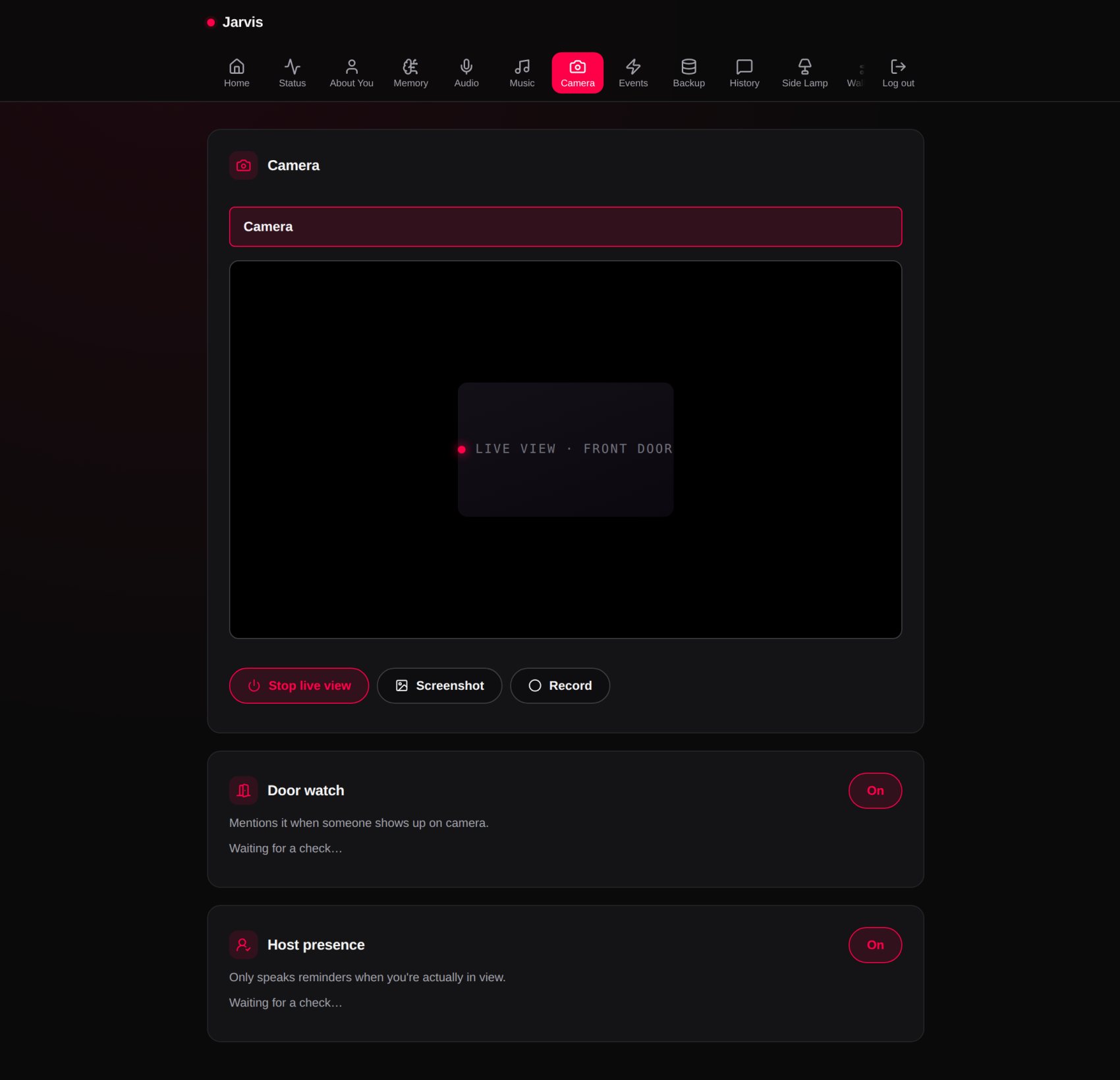
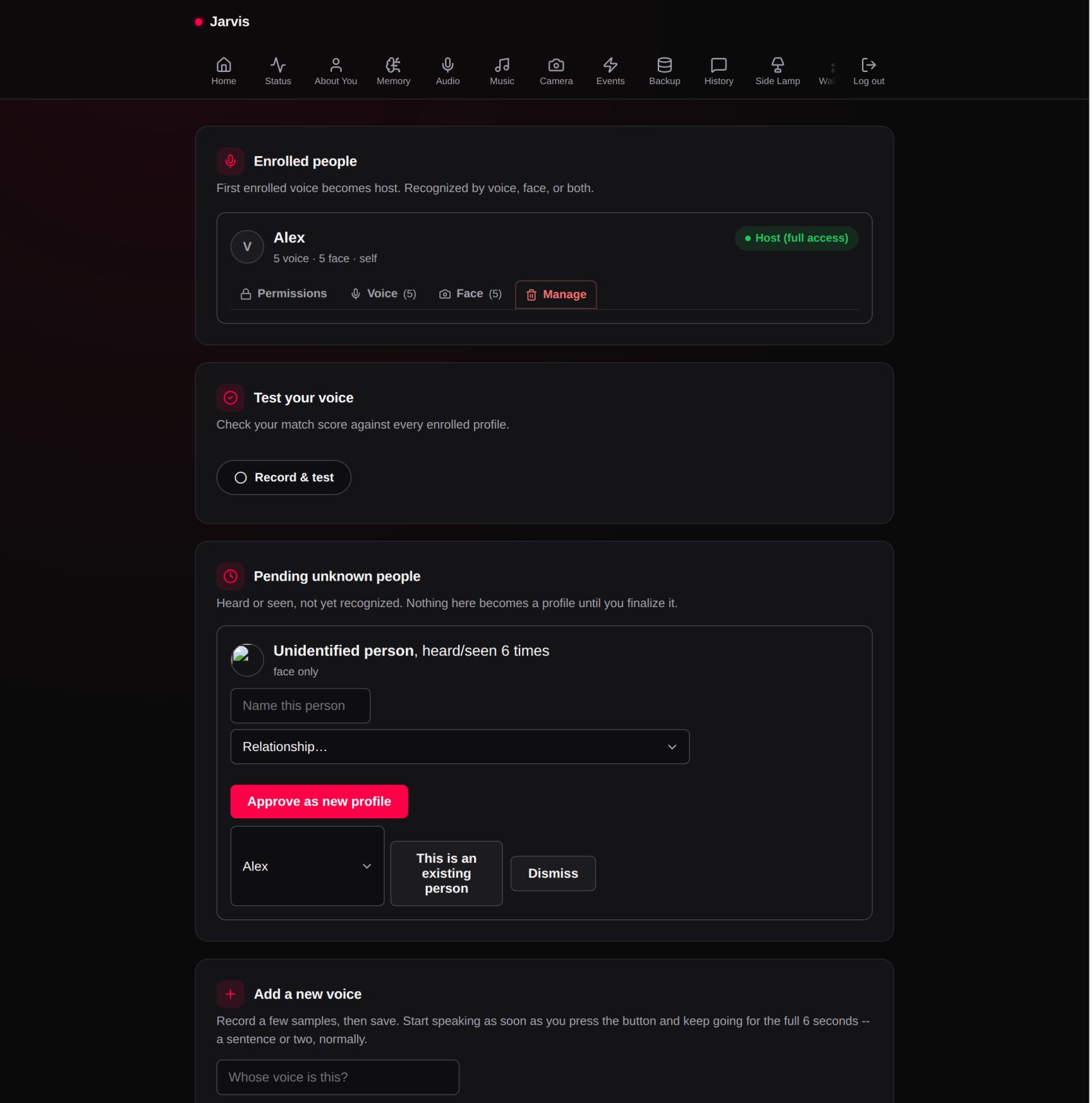
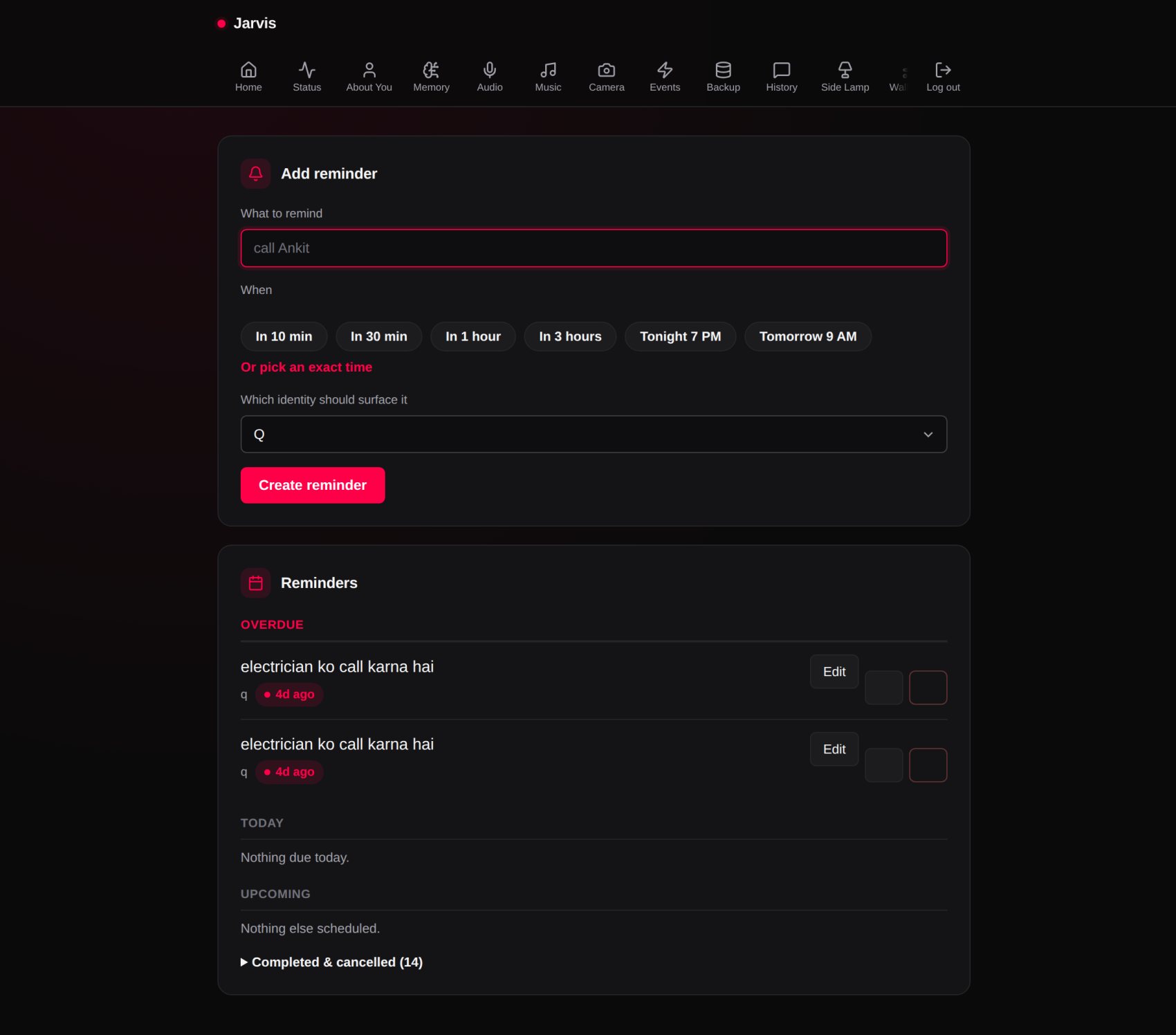
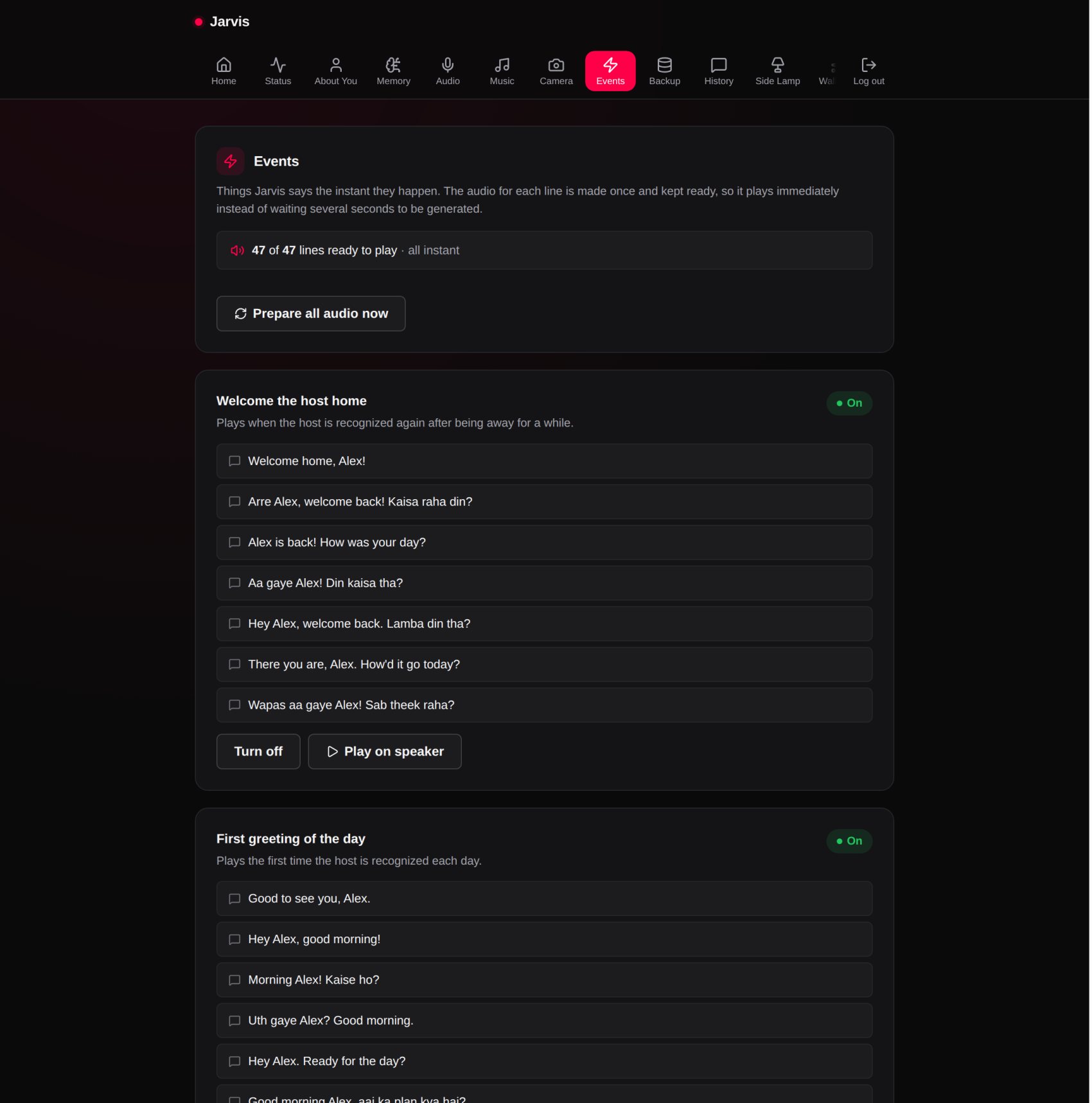
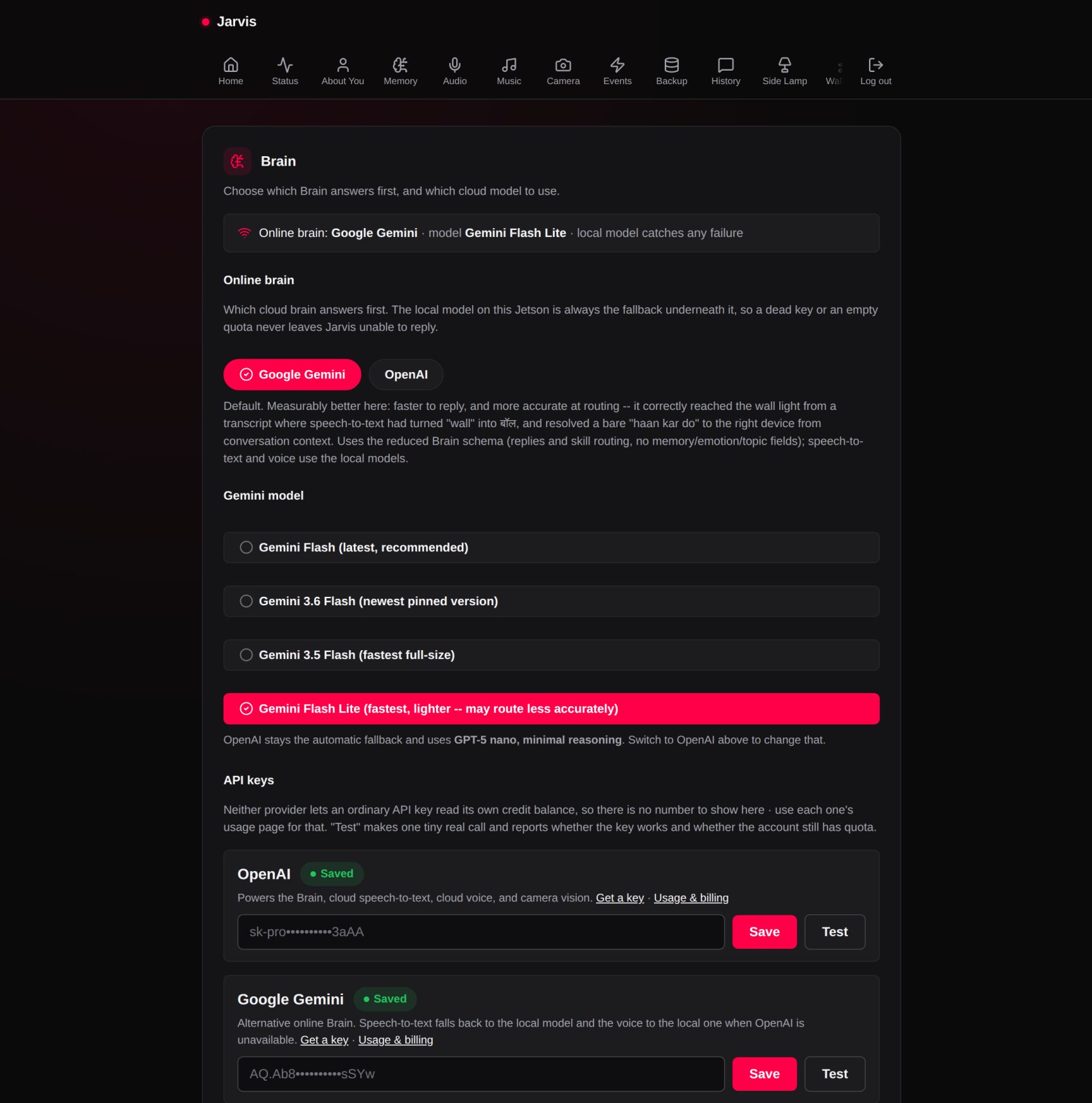
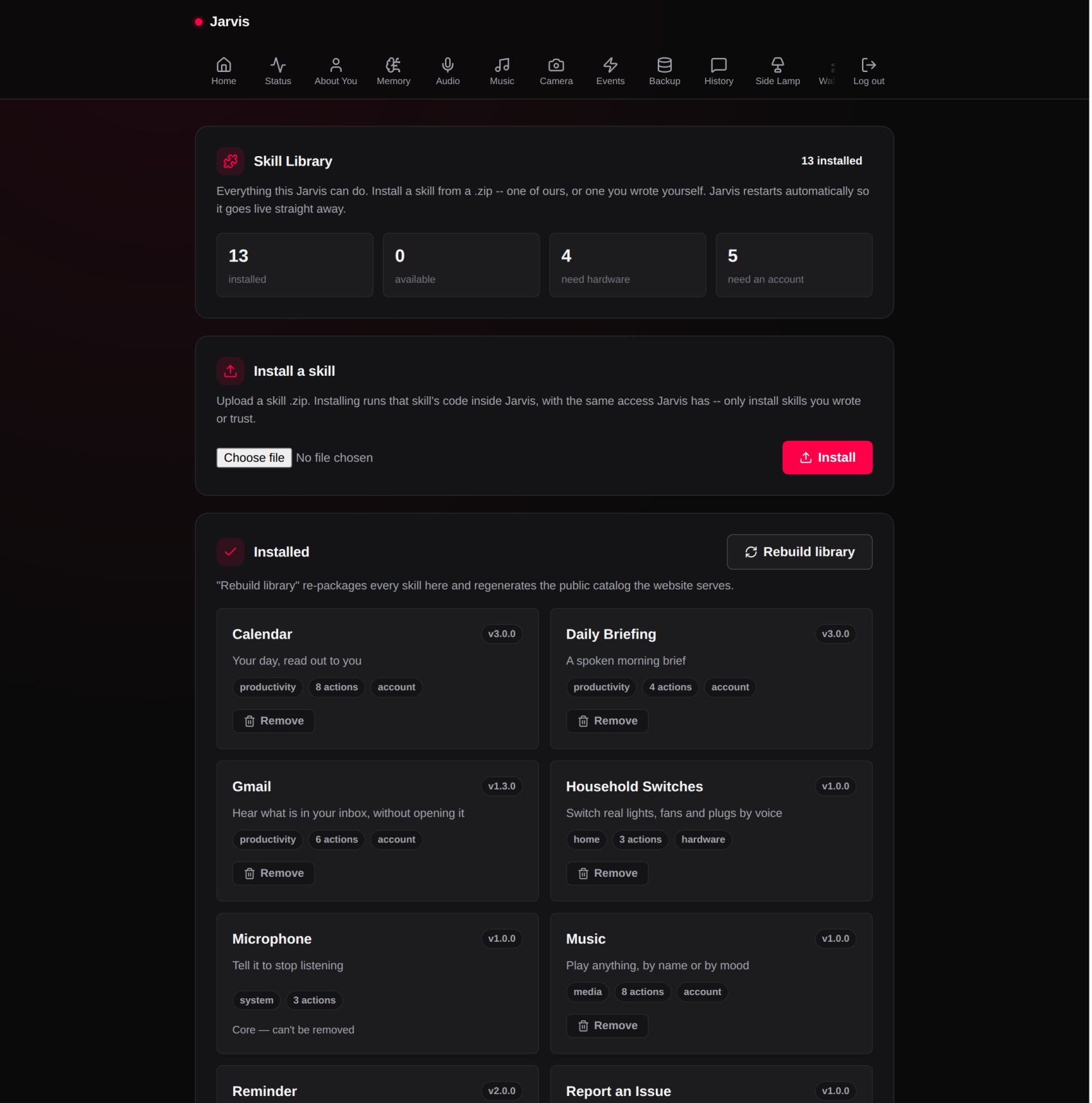
Real screens from a real Jarvis, with the names and addresses swapped for examples. Nothing on any of these pages is sent to us.
Why this exists
I blame Iron Man.
I'm a huge Iron Man fan. I also had an Alexa at home.
One day I looked at it and thought: why does this not feel like JARVIS? Both can hear you. Both can answer you. So what actually makes JARVIS… Jarvis?
Then came the dangerous thought every developer knows: "How hard can it be?"
So I started building my own. It is hard. Very hard. But it's slowly starting to feel alive.
The question that started it
Everything on this page is one of those answers, built and running on a board on a shelf.
Open by default
Build your own skills
A skill is a folder with a manifest and a handler. Write one, zip it, and upload it on your own dashboard, the same way you install ours. Nothing is locked down and nothing phones home.
How skills work